
The automation crustacean is crawling to a mobile device near you. OpenClaw is available on Android and iOS the free, open-source AI agent that captivated the internet earlier this year has arrived as a native app on both platforms. OpenClaw announced the news on X on June 29, 2026.
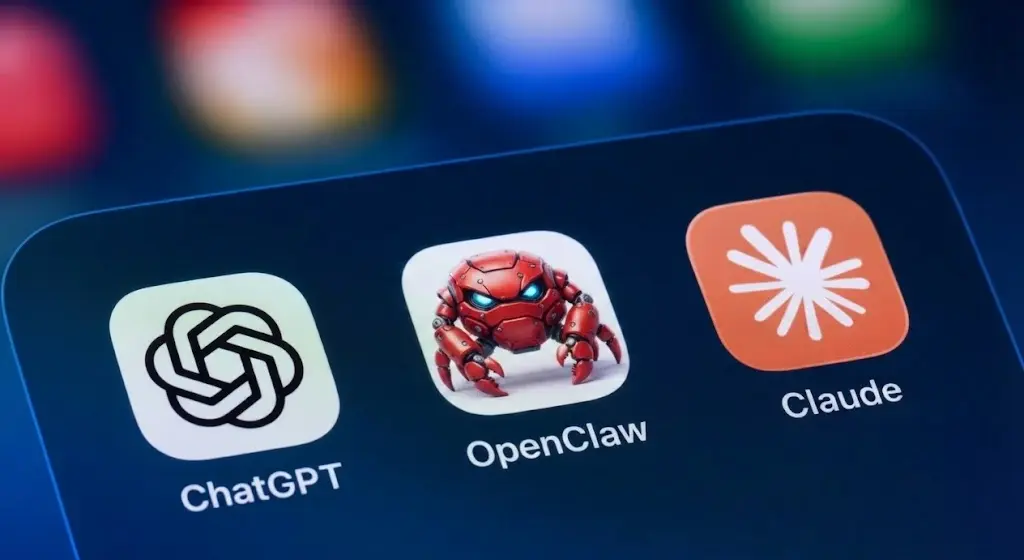
On both platforms, you can pair your phone with the OpenClaw Gateway a routing layer that connects your requests to AI agents and the tools and skills those agents draw on to get things done. Once paired, you can chat with your assistant, approve agent actions remotely, use real-time voice, and grant the app access to device capabilities like your camera, location, calendar, and contacts. Also Read: What’s the Best AI Search Optimization Tool for Marketers in 2026?
The takeaway is that you’ll be able to run your OpenClaw agents from your pocket and if you’ve set them up correctly, they can be genuinely useful. OpenClaw users have put it to work in everything from coding to meal planning, though some have reported less-than-desirable results depending on how their agents are configured.
Table of Contents
The App Is a Companion, Not a Standalone Tool
One thing to understand clearly: OpenClaw is available on Android and iOS as a companion app, not a standalone AI assistant. The mobile app doesn’t run OpenClaw on your phone. It connects to an OpenClaw Gateway you already have running on your own hardware a Mac, Linux machine, or Windows PC via WSL2.
To pair the app, you run /pair qr on your existing OpenClaw interface, scan the QR code that appears, and the connection is established. You can also pair manually by entering the host and port directly.
Once connected, the iOS app exposes Canvas, screen snapshot, camera capture, location, Talk mode, and voice wake as mobile capabilities. The Android app similarly enables camera, screen, location, photos, contacts, calendar, and reminders all opt-in permissions managed by standard iOS and Android permission systems.
The official Play Store listing describes it simply: “Pair this Android app with your OpenClaw Gateway to use your phone as a secure node for chat, voice, approvals, and device-aware automation.”
That’s an important distinction from apps like ChatGPT or Claude’s mobile apps. OpenClaw is available on Android and iOS as a control and approval surface for your own self-hosted agent system — not a cloud-based assistant your data flows through.
A Quick Background on How OpenClaw Got Here
OpenClaw started as Clawdbot, an open-source project built by Peter Steinberger focused on running AI as agents that actually take actions rather than just generating text. It went viral in early 2026 around MoltBook a social media site presented as being populated entirely by AI agents. Researchers later revealed that MoltBook had partially involved humans impersonating agents alongside the AI, effective theater that doubled as marketing for the project whatever its credibility cost.
The spectacle worked. OpenClaw’s community grew significantly, and the stunt pointed clearly at the agentic future that has since kept expanding across the industry.
In February 2026, Steinberger announced he was joining OpenAI. The project transitioned to the OpenClaw Foundation as an independent open-source initiative, with OpenAI providing some unspecified form of support. Steinberger stressed the project would remain “open and independent.” Also Read: Grammarly vs QuillBot vs ChatGPT: best AI writing assistant?
Before the native apps, mobile access to OpenClaw existed through messaging platform integrations Telegram, WhatsApp, Slack, Discord, Microsoft Teams, and Matrix. The native apps replace that patchwork with a dedicated interface and add the device capability access that messaging integrations couldn’t provide.
The Early Reviews Are Worth Knowing About
OpenClaw is available on Android and iOS but the Android launch in particular has been rough. The app shipped to a 2.2 star rating on the Play Store, with multiple users reporting pairing failures, bugs, and an interface that feels unfinished. Several reviews describe the app as unusable in its current state.
The iOS version has been received more warmly, described by reviewers as more polished and more functional at launch. The iOS app also supports sharing from iOS as an additional capability not mentioned in the Android listing.
<OpenClaw has never prioritized form over function the desktop experience is primarily a command-line interface. The mobile apps feel like a v1 release from a team whose strength is in agentic capability rather than consumer app polish. That’s expected. What matters is whether the Foundation iterates quickly on the pairing reliability and interface issues the early reviews are flagging. Also Read: Why Are Companies Investing Billions in AI Infrastructure?
What You Can Do With the App Right Now
For existing OpenClaw users with a working Gateway setup, here’s what the mobile apps unlock:
- Chat with your assistant from anywhere, not just at your desk
- Approve or deny agent actions in real time from your phone the most immediately practical mobile feature
- Use real-time and background Talk mode for voice interaction with your agents
- Provide device context to agents: camera images, location, calendar data, contacts
- Receive push notifications and node status updates for connected workflows
For users who haven’t set up OpenClaw before, the mobile app is not the starting point. You need a running Gateway on your own hardware before the app does anything. The technical setup required to get there is not consumer-friendly by any definition.
Agents are now embedded across the AI landscape OpenAI’s Codex controller in ChatGPT, Claude Code in the terminal, Google’s multi-agent workflows and OpenClaw is available on Android and iOS as the open-source, self-hosted entry in that expanding category.
The apps are live now. iOS on the App Store, Android on Google Play, both published by the OpenClaw Foundation. The Android version needs work. The iOS version appears ready for daily use by existing users. And the underlying concept your phone as a node in a self-hosted agent system rather than just another chatbot window is more interesting than either app’s current state fully demonstrates.